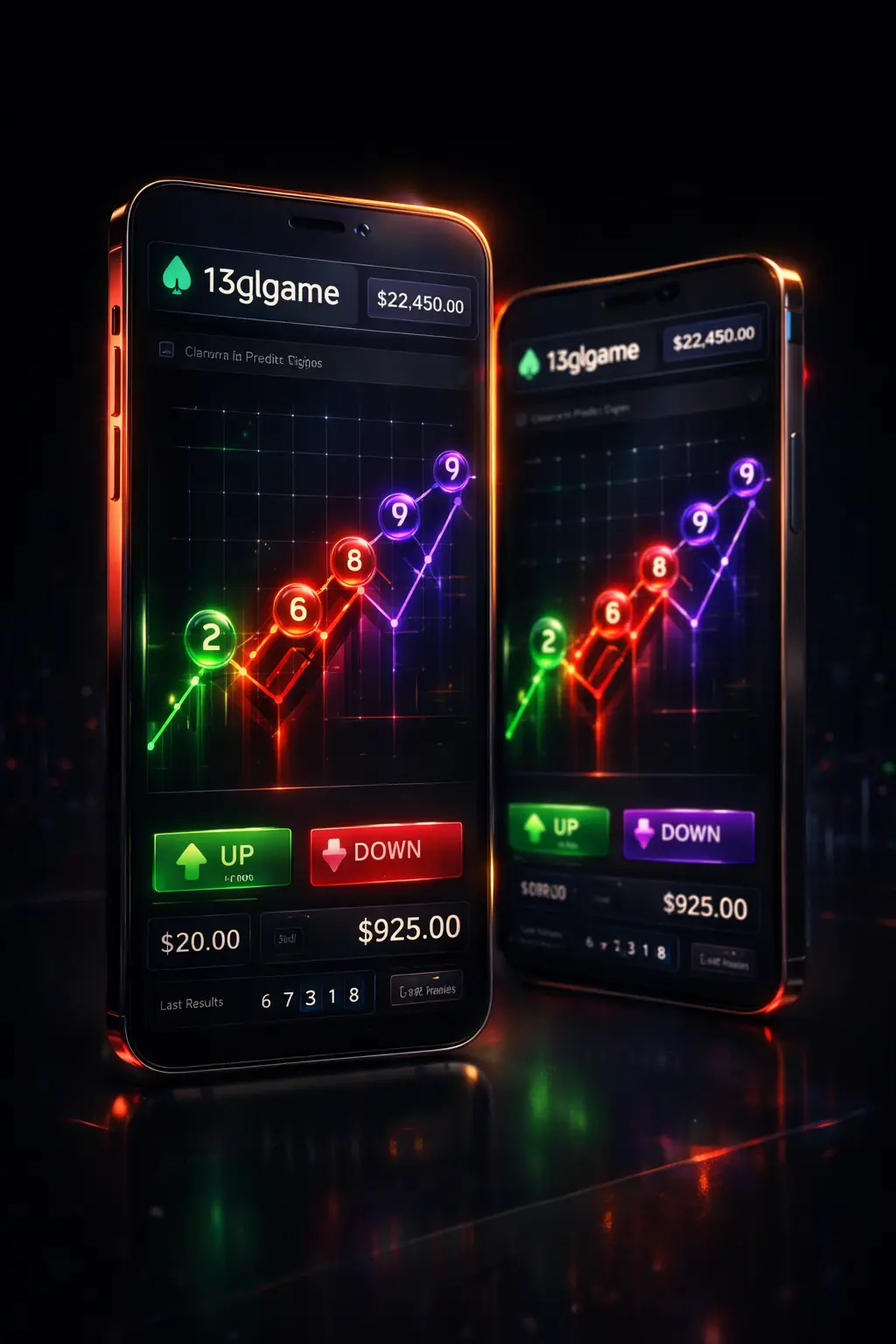
Experience zero-latency gaming. The official 13lgame app delivers substantially faster game load speeds, lower mobile data usage, and native UPI integration for one-tap deposits.
While you can play directly from your mobile browser, the official 13lgame APK provides a noticeably superior experience. It is distributed exclusively through our official site — no third-party app stores are required — ensuring every installation is verified, current, and carries all security patches applied to the live platform.
In games like Aviator or 1-Min Wingo, a split-second delay causes losses. The app removes browser overhead for instant betting.
Receive real-time push notifications for the 13lgame today result and instant withdrawal confirmations directly to your screen.
Deposit securely with one tap. The app seamlessly opens GPay, PhonePe, or Paytm without needing to switch windows.
Forget the hassle of constant 13 Game Login entries. The app keeps your session securely active with biometric support.
Because the app involves real-money gaming, Google Play Store policies in India restrict its listing. You must sideload the verified APK.
13lgame-v4.apk file.iOS users can install the 13lgame Progressive Web App (PWA) directly to their home screen for an identical native experience.
Never download the 13lgame APK from unofficial telegram groups or third-party download sites. To protect your 13lgame earning and data, only download from the trusted official website link provided on this page.
If you forgot your password or are facing OTP issues after downloading the app, check our troubleshooting guide.
Fix Login ProblemDue to Google Play's strict policies regarding real-money gaming platforms in India, the app is distributed directly via our secure servers. This is standard for all major prediction apps.
Yes, as long as you are downloading the 13lgame APK directly from this official website. The warning is a generic Android prompt for any file not downloaded from their store.
No. The native app is highly optimized. It actually consumes significantly less mobile data and battery compared to running the games through a mobile web browser.